Disable sign in with Google popup
Problem
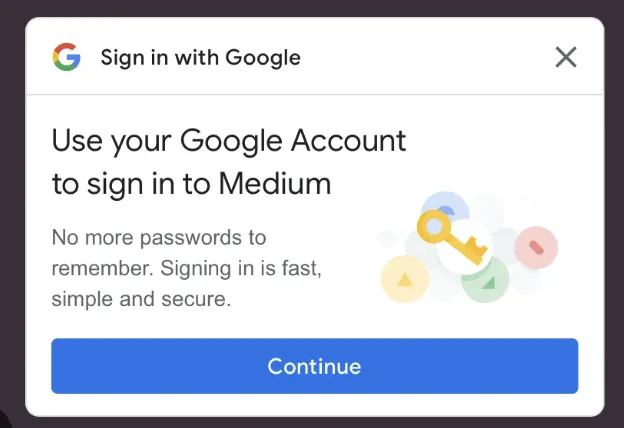
If you are getting popups from Google when you browse the web like this and want to disable this...
Solution
There are a few things you need to do..
In your Google account settings
To disable the Sign in with Google sign-in prompt on Android, go to your Sign in with Google settings and turn off Google Account sign-in prompt. Visit your browser to disable additional prompts. Learn to disable third-party sign-in prompts in Chrome.
In Google Chrome
Even though you may have disabled the popup in your Google account you also need to set a setting in Chrome by typing this into the address bar
chrome://settings/content/federatedIdentityApi